Reviews
Smart Home for Wheelchair Users: Voice Controls and Automations
Smart home for wheelchair users: how voice controls, Matter devices and powered hardware compare on cost in USD, offline use and setup effort.
What to take away
- Voice assistants handle lighting, plugs, thermostats and reminders well. They handle doors, beds and ceiling lifts poorly without dedicated hardware.
- Matter and Thread cut brand lock-in, but only for the device classes the standard covers.
- A first useful setup runs about $300 to $1,500, illustrative. Powered doors, beds and lifts push that to $2,000 to $8,000.
- Keep a manual fallback for every functiona wall switch, a keypad or a physical remote.
- Funding exists, including Pay for Aging-in-Place Renovations grants and state Medicaid waiver programs.
What is being compared
A smart home for wheelchair users is not one purchase. It is four layers, and most households buy them in the wrong order.
Four Layers, Right Order
- Voice assistants and hubs
- Smart plugs and switches
- Powered opening hardware
- Environmental control units
Each layer answers a different question. Confusing them is why someone spends $1,000 and still cannot open the front door from the couch.
The wider home automation market grew around convenience rather than access. That shapes what you can buy off the shelf, and what you have to assemble yourself.
The criteria that matter
Price alone misleads. The criteria that decide whether a device is usable are whether it works without a phone, whether it survives an internet outage, and how much setup it demands.
Layer Cost and Offline Reality
Voice hub
- Typical cost
- $50-$250
- Works offline
- No
- Setup burden
- Low
- No phone needed
- Yes, voice
Plugs and switches
- Typical cost
- $15-$60
- Works offline
- Mostly
- Setup burden
- Low
- No phone needed
- Yes, wall
Powered doors
- Typical cost
- $400-$3,000
- Works offline
- Yes
- Setup burden
- High
- No phone needed
- Partly
Bed and lift
- Typical cost
- $800-$6,000
- Works offline
- Yes
- Setup burden
- High
- No phone needed
- Partly
Typical cost, USD, illustrative
- Voice assistant and hub
- $50 to $250
- Smart plugs and switches
- $15 to $60 per point
- Powered doors and windows
- $400 to $3,000 per opening
- Bed, seat and lift controls
- $800 to $6,000
Works without a phone
- Voice assistant and hub
- Yes, by voice
- Smart plugs and switches
- Yes, at the wall
- Powered doors and windows
- Partly
- Bed, seat and lift controls
- Partly
Suits limited dexterity
- Voice assistant and hub
- Yes
- Smart plugs and switches
- Yes
- Powered doors and windows
- Yes
- Bed, seat and lift controls
- Yes
Works offline
- Voice assistant and hub
- No
- Smart plugs and switches
- Mostly
- Powered doors and windows
- Yes
- Bed, seat and lift controls
- Yes
Setup burden
- Voice assistant and hub
- Low
- Smart plugs and switches
- Low
- Powered doors and windows
- High
- Bed, seat and lift controls
- High
One layer has its own accessibility standard. The W3C's WCAG guidelines cover screen reader support, focus order and control labelling, which is the part voice vendors rarely document.
The current version is WCAG 2.2. For a smart home app, the criteria that decide whether it is usable are 2.5.8 Target Size (Minimum) at level AA, 2.4.3 Focus Order, and 4.1.2 Name, Role, Value, which is what tells a screen reader whether a control is a switch, a slider or a button.
Option by option
Voice assistants are the cheapest layer and cover the most ground. Lights, plugs, thermostats and timers all respond to a spoken command. Accuracy falls with quiet or slurred speech, and every command depends on the router, the internet and the vendor's servers.
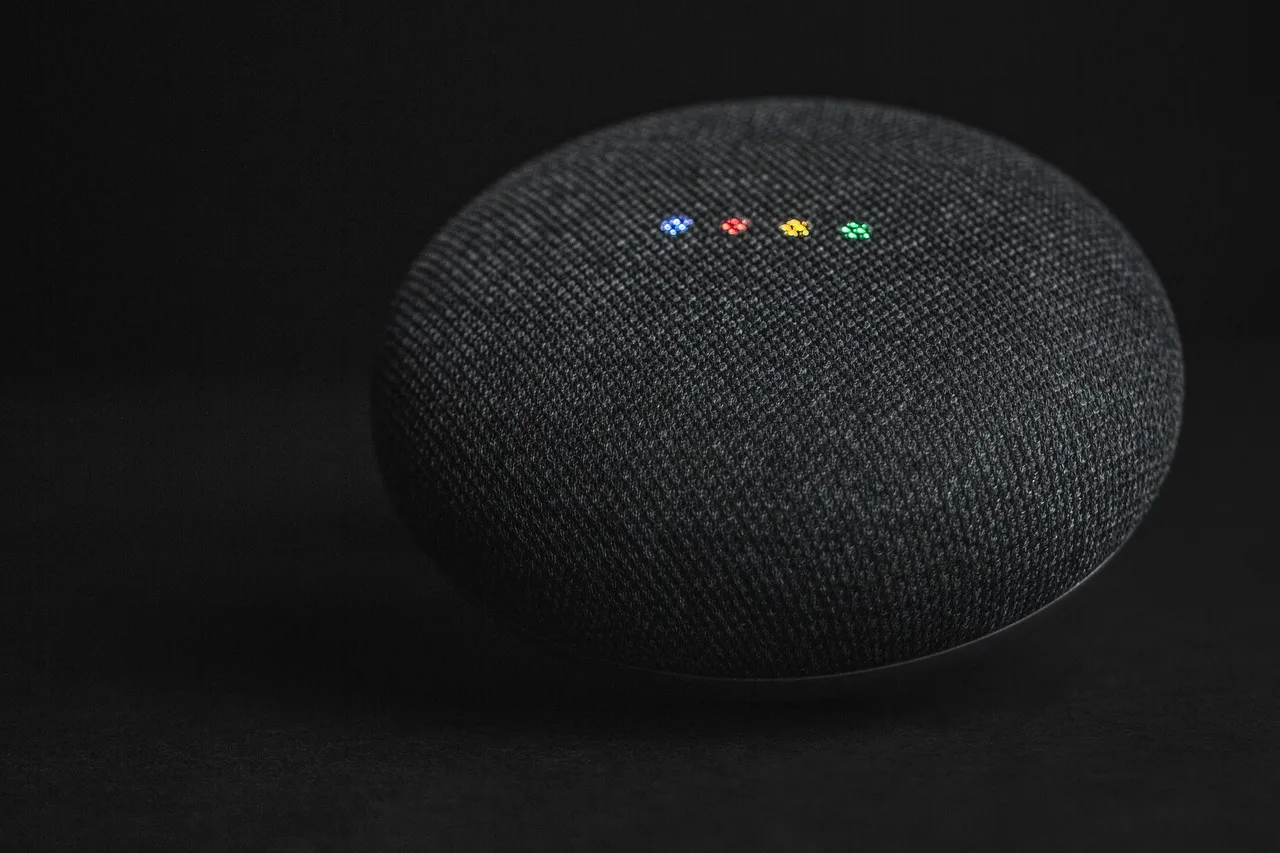
The mainstream platforms in the US are Amazon's Alexa on Echo speakers and displays, Google Assistant on Nest speakers and displays, Apple's Siri through Apple Home on HomePod, HomePod mini and Apple TV, and Samsung SmartThings. Home Assistant is the open-source option and runs on hardware you supply, such as a Raspberry Pi or a mini PC.
Smart plugs and switches act on the device rather than the cloud. A plug on a lamp costs $15 to $30, illustrative, and a smart wall switch $25 to $60.
Powered doors, window openers and blinds solve reach and force problems that voice alone cannot touch. A retrofit automatic door operator runs $1,500 to $3,000 installed, illustrative, before any wiring work. The operators most often fitted are made by ASSA ABLOY, Nabco Entrances and Stanley Access Technologies, and a low-energy operator should be listed to ANSI/BHMA A156.19.
Ceiling lifts come from makers such as Savaria, Arjo and Prism Medical. They hang from a track fixed to the ceiling, so the structure has to be assessed before anything is ordered.
Adjustable home-care beds from Invacare, Drive DeVilbiss and Joerns come with a handset, and some models add an app or an infrared receiver that a hub can learn.
Installation is the weak point for the powered layers. Ask about low-voltage licensing and manufacturer training before you sign. Interview questions that expose the usual gaps cover electrical sign-off and warranty terms.
Environmental control units pull bed positioning, chair tilt, television, phone and call functions into one interface. Switch, sip-and-puff and head-array access all connect here. Expect $800 to $6,000, illustrative, depending on how many functions are integrated.
In the US they usually arrive through a complex rehab technology supplier such as Numotion or National Seating & Mobility, working with an assistive technology professional and an occupational therapist. The unit has to talk to the control system on the chair, and Permobil, Quantum Rehab and Sunrise Medical each use their own, so the chair model decides what can be added.
Funding is where most of these projects stall. In the US, a ceiling lift or an environmental control unit is usually funded through a Medicaid Home and Community Based Services waiver, administered by your state Medicaid agency, with the assessment and the paperwork handled by the supplier. Veterans can ask the VA about its Home Improvements and Structural Alterations (HISA) grant.
Before buying anything, run this list:
- Does it keep working when the internet drops?
- Can a visitor operate it without your phone?
- Is the app usable with a screen reader?
- Does it mount within reach from a seated position?
Automations you can actually set up
Every platform has its own automation engine: Alexa Routines, Google Home routines and scripts, Apple Home automations, SmartThings routines, and Home Assistant automations. They all work the same way: a trigger starts an action, and the action can be a light, a plug, a thermostat or a spoken prompt on the speaker already in the room.
Triggers worth building first: a motion sensor in the hallway after dark, a time of day for medication reminders, a contact sensor on the front door, and a button or a voice command at the bedside.
Devices using Zigbee, Z-Wave or Thread need a hub unless the speaker or display you own already has that radio built in. Hubs in common use are Amazon's Echo Hub, Apple TV or a HomePod for Apple Home, the Samsung SmartThings hub, and a mini PC running Home Assistant. Radio support changes from one model generation to the next, so check the spec sheet for the exact device rather than the brand.
Where each one wins
Voice wins for lighting scenes, lamps, fans and reminders. It wins biggest at night, from bed, when reaching a switch is the hardest part of the day.
Which Layer Solves Your Barrier
Barrier: reaching a switch at night
Voice assistant and hub
Barrier: heavy door or ungrippable handle
Powered hardware wins when the barrier is weight, hinge force or a handle you cannot grip. A door operator is the only layer here that opens a door.
Environmental control units win when someone needs repositioning, pressure relief or transfer support through the day.
If memory loss is part of the picture, sensors and voice prompts can cue a routine instead of only obeying a command. Dementia-Friendly Home Design covers the lighting and door cues that pair well with them.
What none of them solve
No layer here fixes a hallway too narrow for a chair or a bathroom without a turning circle. Reach ranges and clear floor space come from the plan, and designers still cite the ADA Standards for reference numbers, even in private homes. In the 2010 ADA Standards for Accessible Design those numbers are section 308 for reach ranges, section 305 for clear floor space, and section 309 for operable parts, which is the section that rules out a switch needing a tight grip or a twist of the wrist.
A command that needs the router, the internet and a vendor's servers is not an accessibility feature. It is a convenience with three failure points.
Batteries, firmware and dead apps are the other shared weakness. A device bought five years ago may no longer receive security updates, so treat the setup as something you maintain. Good universal design fails quietly for the same reason.